Microsoft Entra ID (Azure AD)
Tenant-level Microsoft sign-in.

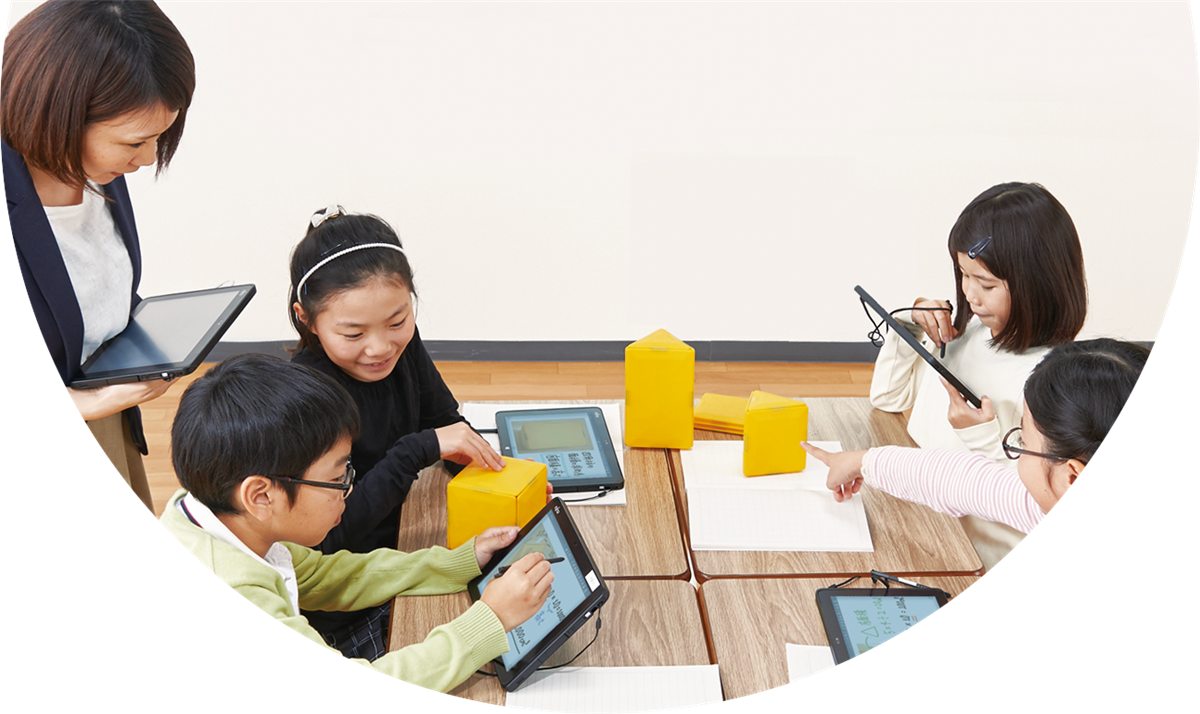
Digital School Note (DSN) is a browser-based drawing notebook for schools. Students write, draw, and add photos, video, and audio to their notes; classmates edit the same note in real time; and teachers watch every note live, compare answers, and lead the class from one screen. Standard Version v6.0 runs on PCs, touchscreens, and iPads, supporting Japan’s one-device-per-student GIGA School Concept.
Everything students need to think on the page, from handwriting and shapes to tables, sticky notes, media, and voice.
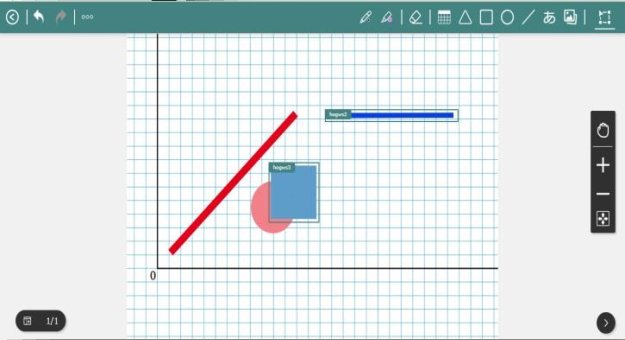
Classmates draw and write on the same note at the same time, and every change appears live for everyone. Teachers can lock the canvas when it is time to stop and listen.
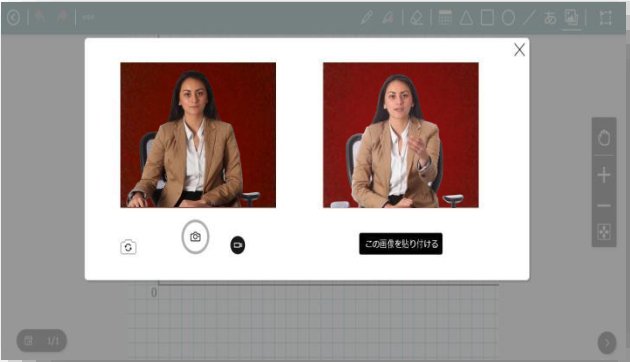
Add images and videos to the canvas, take photos with the device camera, and record audio explanations, so notes capture experiments, worksheets, and spoken thinking.

Notes live in My Folder, Class, Group, and Archive, with sub-folders and filters by date, day, name, and color. Students and teachers can switch between grid and list, like notes, and download them as PDF.
The monitoring screen shows every student’s note updating live, so teachers know who needs help before they ask.
Students and teachers sign in the way their school already works. Behind them, a clear admin structure keeps tenants, schools, and classes in order.
Choose the school, then sign in as a teacher or student.
One-click sign-in; new users go straight to registration.
Sign in with the school’s Microsoft account.
Tenant-level Microsoft sign-in.
Sign in and register with Google accounts.
Keep schools, classes, and users in sync with roster data.
Connect tenant storage for data exchange.
PANTONA’s QA team checks every screen and scenario for each role, across browsers and devices, before each release.
| Area | What is covered | Test items |
|---|---|---|
| Admin | Superadmin, Tenant Admin, and School Admin: login, dashboard, tenants, schools, users, groups, system | 6,020 |
| Notes | Every canvas tool, objects, pages, collaboration, and end-to-end scenarios | 7,094 |
| Student | Login and registration, file manager, blackout, and presentation | 3,234 |
| Teacher | Login, file manager, display settings, monitoring, and screen management | 4,798 |
Tell us about your school or education service, and we’ll share more details.